How to Log In to Recruit41
Learn how to access and log in to the Recruit41 platform.
Step 1: Go to the Platform
Open your web browser and go to your company's Recruit41 URL (for example: https://yourcompany.recruit41.com).
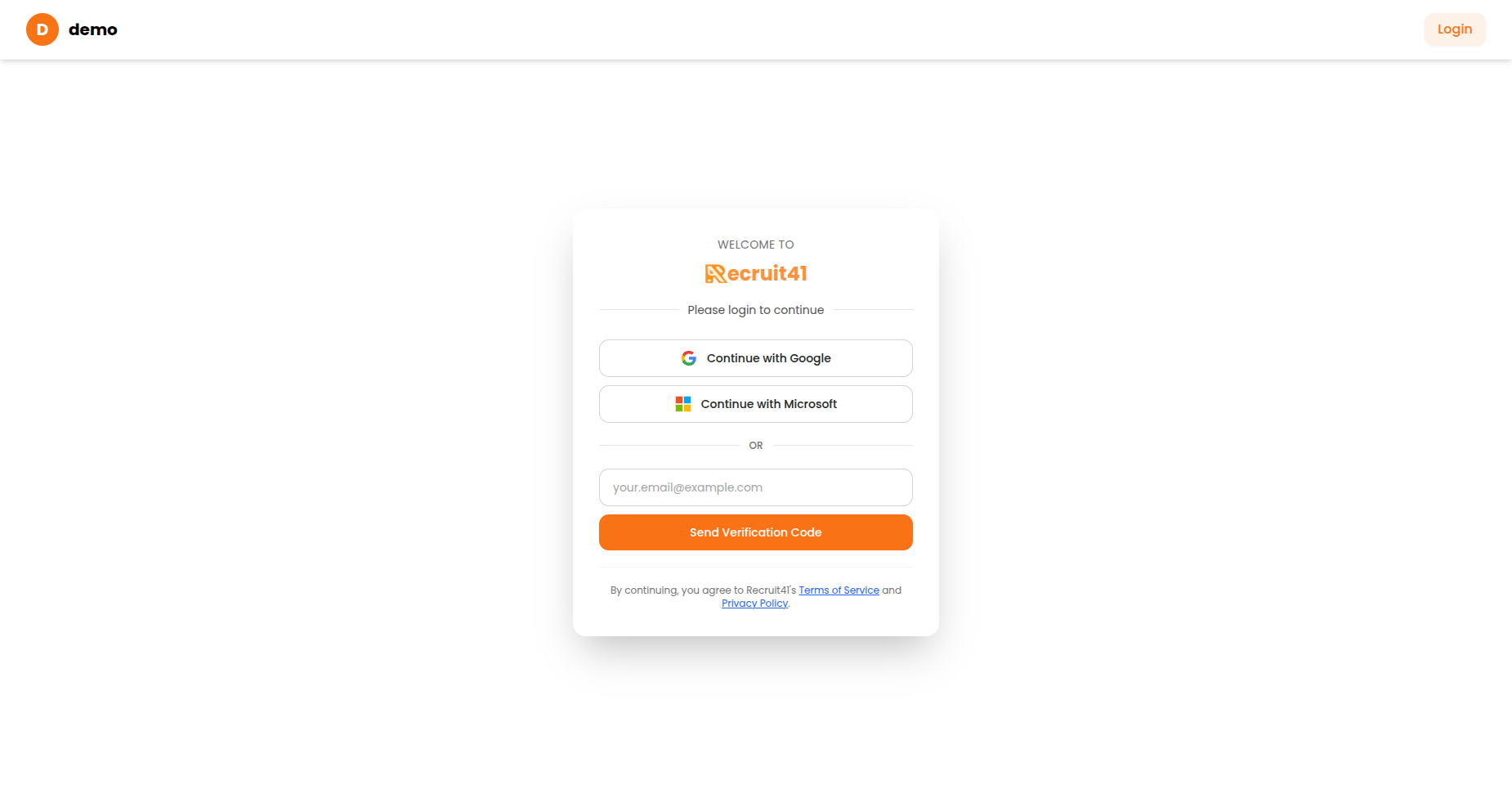
The login page with Google, Microsoft, and email verification options.
Step 2: Choose Your Login Method
You have three ways to log in:
- Click the "Continue with Google" button
- Select your Google account
- You'll be automatically logged in
Microsoft
- Click the "Continue with Microsoft" button
- Enter your Microsoft credentials
- You'll be automatically logged in
Email Code
- Enter your email address in the email field
- Click "Send Verification Code"
- Check your email for a 6-digit code
- Enter the code in the verification field
- Click "Verify & Continue"
Note
If you don't receive the verification code within a few minutes, check your spam folder.
For the best experience, please use a desktop or laptop browser.