How to Manage Multiple Candidates at Once
Perform batch operations on multiple candidates to save time.
Available Bulk Actions
Select multiple candidates to perform these batch operations:
| Action | Description |
|---|---|
| Send Reminders | Send reminder emails to selected candidates |
| Change Status | Update status in batch |
| Export | Download selected candidates as CSV |
| Archive | Move candidates to archived status |
| Send Custom Email | Send a custom message to all selected |
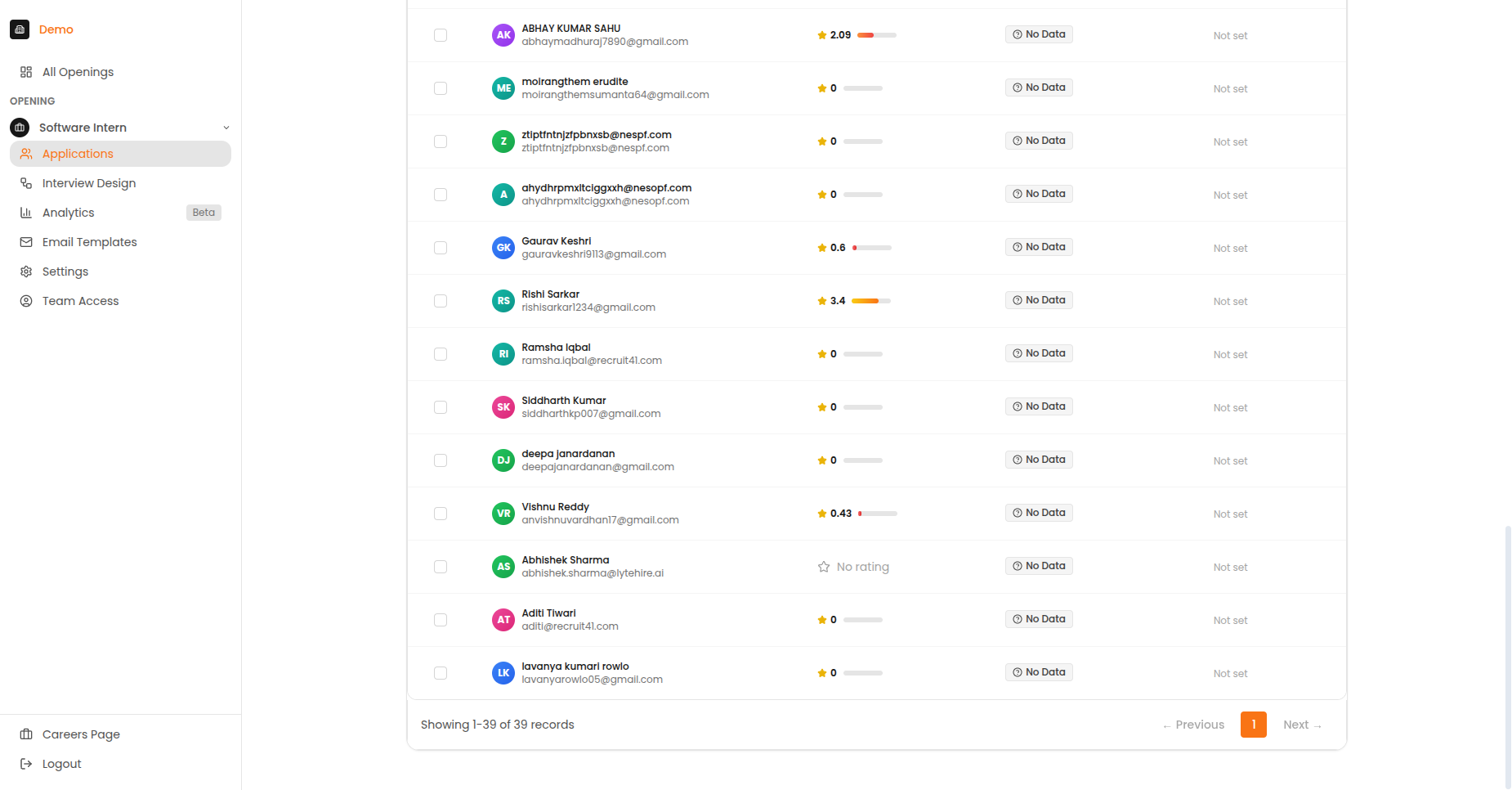
The In Progress tab showing candidates currently taking their interviews.
How to Use Bulk Actions
Step 1: Select Candidates
- Go to the Applications page for your opening
- Use the checkboxes to select individual candidates
- Or use "Select All" to select all visible candidates
Step 2: Choose Action
- Click the "Bulk Actions" button in the toolbar
- A dropdown menu appears with available actions
- Select the desired action
Step 3: Confirm
- Review the number of candidates affected
- Configure any action-specific options
- Click "Confirm" to execute
Bulk Action Details
Send Reminders
Send reminder emails to candidates who haven't completed their interview.
- Only works for candidates with status: Invited, Started, In Progress
- Uses your configured reminder template
- Respects email frequency limits
Change Status
Update the status of multiple candidates at once.
Available status changes:
- Move to "Archived"
- Move to "Rejected"
- Reset status (for re-invitations)
Export to CSV
Download candidate data for external use.
Exported fields:
- Name, Email, Phone
- Status, Score
- Applied date, Completed date
- Notes
Archive
Move candidates to archived status.
- Archived candidates are hidden from the main view
- We keep all data for compliance purposes
- Can be unarchived later if needed
Send Custom Email
Compose and send a custom message to all selected candidates.
- Write your own subject and body
- Supports placeholders (name, job title, etc.)
- Tracks delivery and opens
Best Practices
Efficiency Tips
- Use filters first to narrow down your selection
- Double-check the candidate count before confirming
- Export data before making bulk status changes
- Use reminders strategically (space them out appropriately)
Recommended Reminder Schedule
| Day | Action |
|---|---|
| Day 0 | Initial invitation |
| Day 3 | First reminder (bulk action) |
| Day 5 | Second reminder (bulk action) |
| Day 7 | Final reminder (bulk action) |